Fisheye interface- Live View
Caution: If integrating with Control4, use the Luma fisheye driver to access fisheye special features.
Fisheye Parameters
Note: In the Fisheye interface, set the stream mode and installation method via Config > System > Fisheye > Parameters menu before viewing the live image.
Stream modes:
-
Fisheye
-
Panoramic
-
Fisheye + 3PTZ
-
Panoramic + 3PTZ
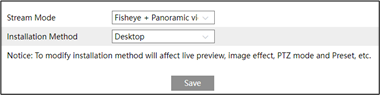
Installation method:
-
Wall
-
Ceiling
-
Desktop
Warning: Occasionally, ePTZ controls may not behave as expected. If you experience this, try using the diagonal controls instead.
Live view
Camera streams and live view modes can be adjusted with the live view control panel.
|
Icon |
Description |
Icon |
Description |
|---|---|---|---|
|
|
Select live preview mode |
|
Sensor alarm indicator |
|
|
Original size |
|
Motion alarm indicator |
|
|
Appropriate size |
|
SD card recording indicator |
|
|
Auto |
|
Line crossing indicator |
|
|
Full screen |
|
Intrusion indicator |
|
|
Start / stop live view |
|
Region entrance indicator |
|
|
Start / stop two-day audio |
|
Region exit indicator |
|
|
Enable / disable audio |
|
Target counting (by line) indicator |
|
|
Snap |
|
Zoom in |
|
|
Start / stop recording |
|
Zoom out |
|
|
PTZ control |
|
Crowd density detection indicator |
|
|
Rule information display |
|
|


 indicator.jpg)


Viewing Modes
Click  to select the live view mode.
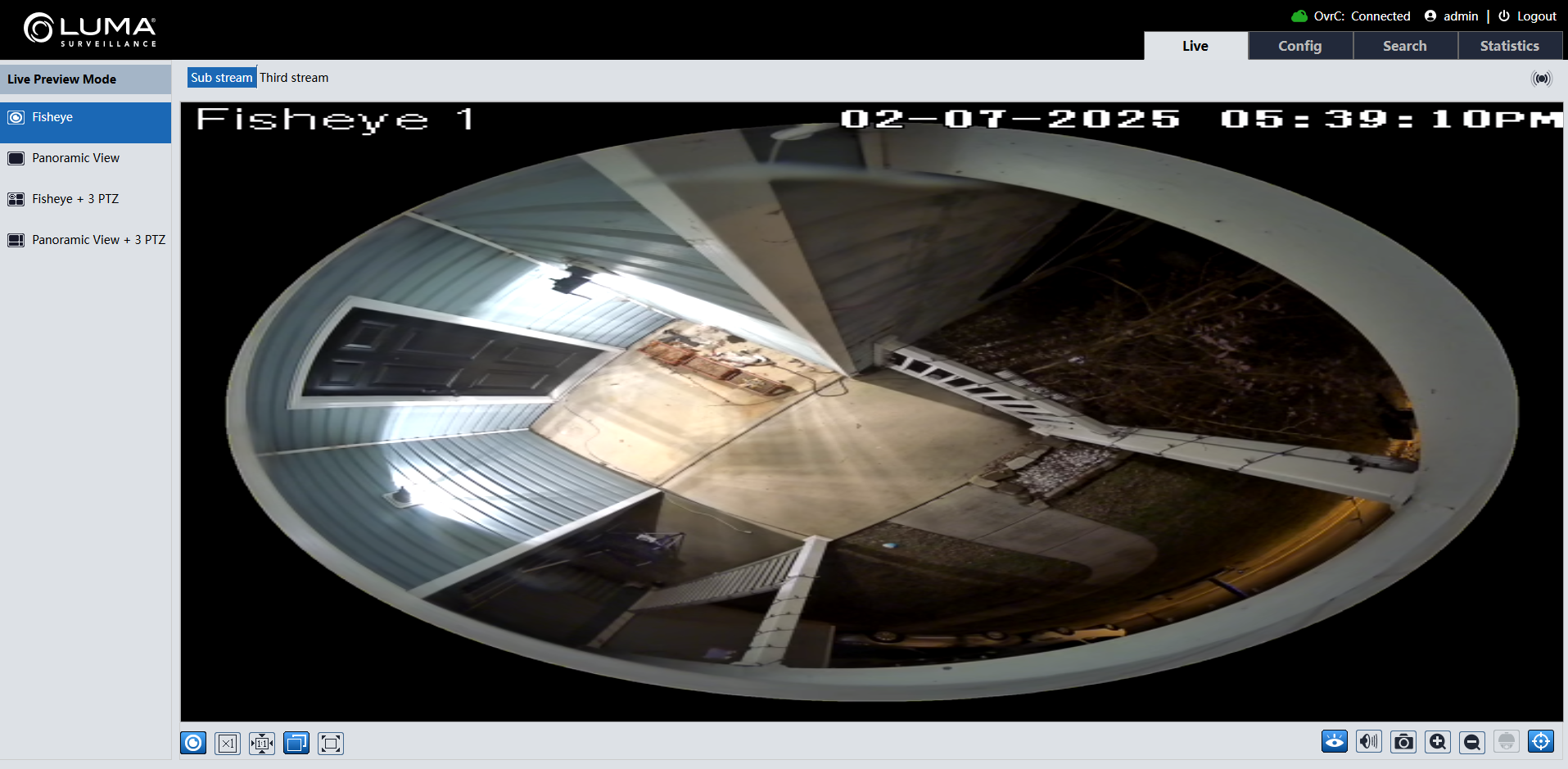
Fisheye view mode
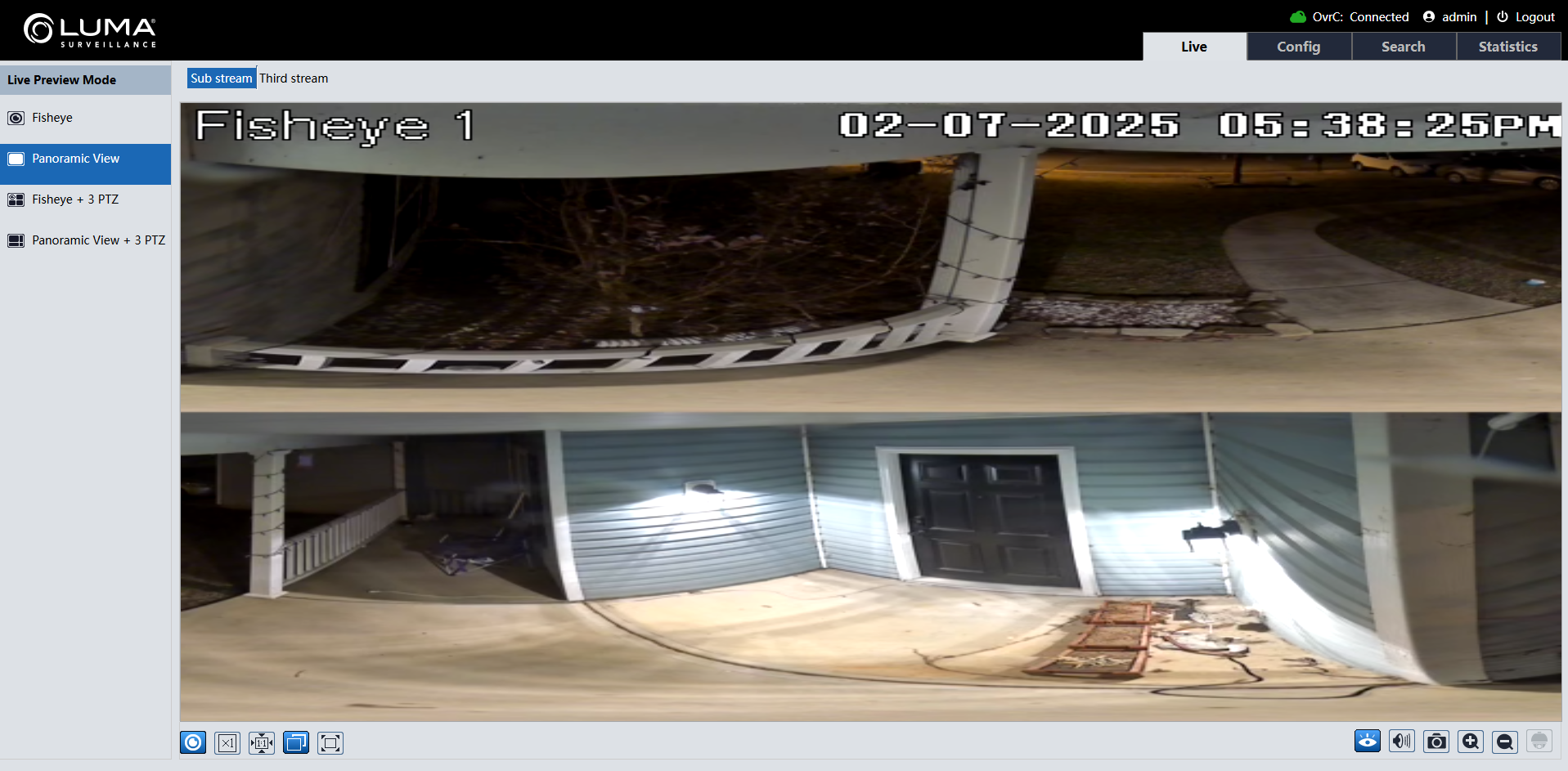
Panoramic view mode
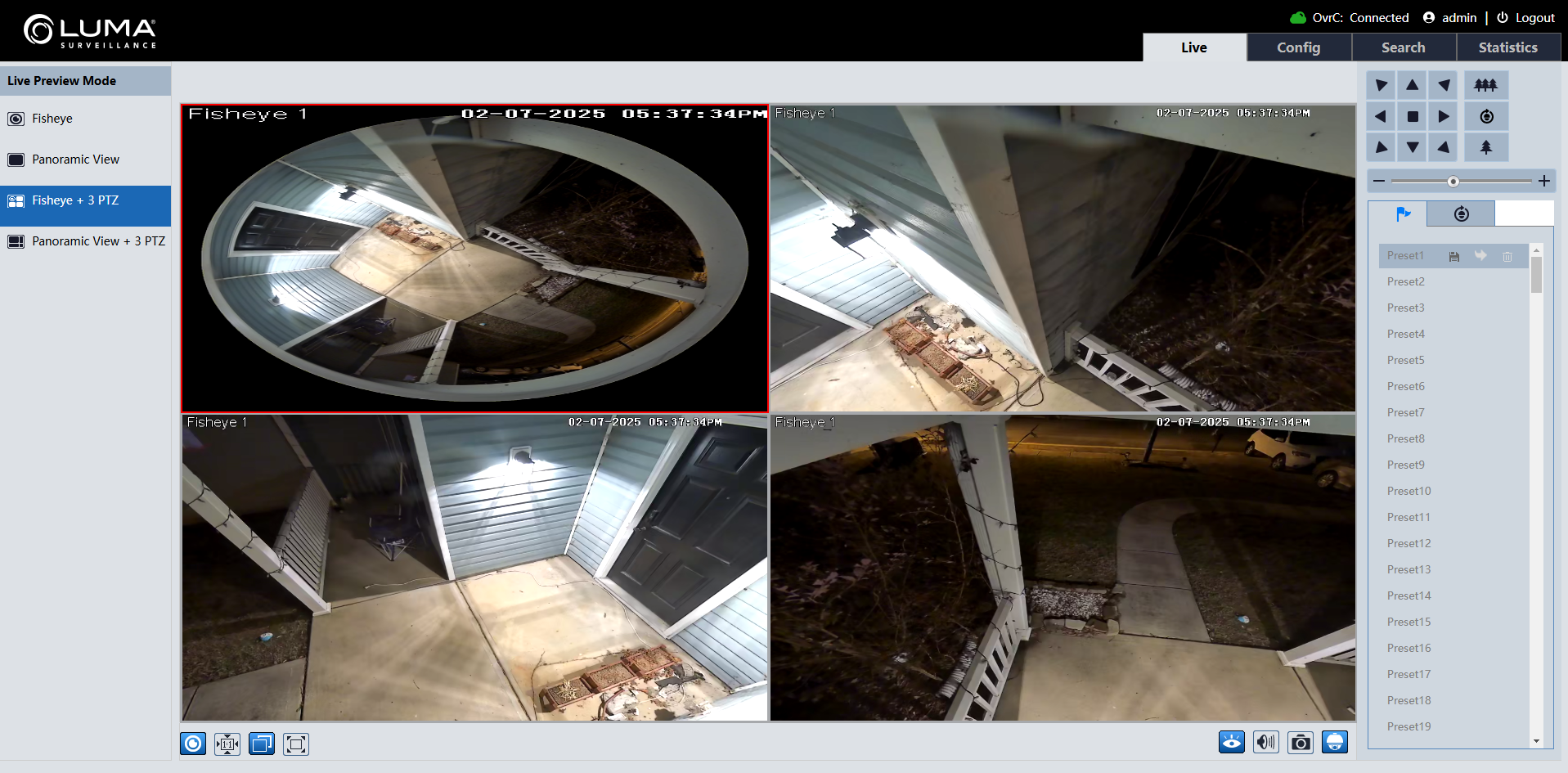
Fisheye+3PTZ view mode
Panoramic+3PTZ view mode
See all fisheye special features here.