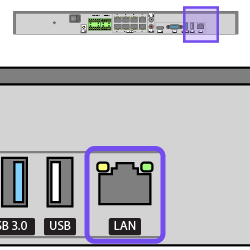
Connect the network Ethernet cable to the LAN port.
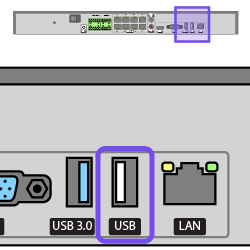
If using a mouse, connect it to the NVR's rear USB port.
Reserve the NVR's USB 3.0 (blue interior) port for other purposes such as exporting video and updating firmware.
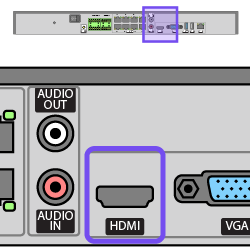
If using a local monitor, connect an HDMI cable from the monitor to the NVR's HDMI port.
The VGA port mimics the feed to the HDMI port.
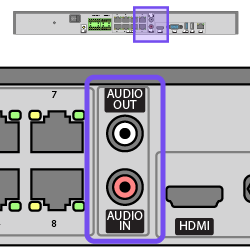
Connect the microphone to the Audio In port and the speakers to the Audio Out port.
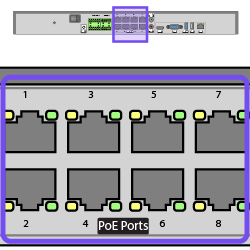
Connect the cameras to the PoE ports.
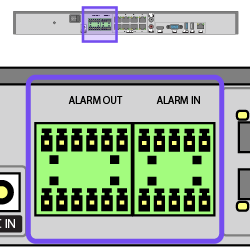
Connect alarms using the Phoenix connectors.
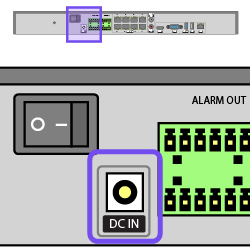
Ensure the power switch is OFF.
Plug the power cable into the NVR's DC IN port.
Flip the power switch to power on the NVR.
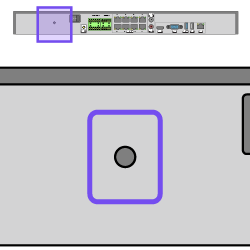
Snap the anchored cable tie into the hole.
Fasten the power cable with the anchored cable tie.
Copyright © 2026, Snap One, LLC. All rights reserved.