Home Screen
The simple design of the Home screen menu makes it easy to navigate. You can easily add or delete applications according to your needs.
To access the Home screen, press the Home button on your remote and use the D-pad to make your selection.
To exit the Home screen, press the Input button on your remote or use the D-pad to move the cursor to the Recent Inputs icon near the center of the screen and press the OK button.
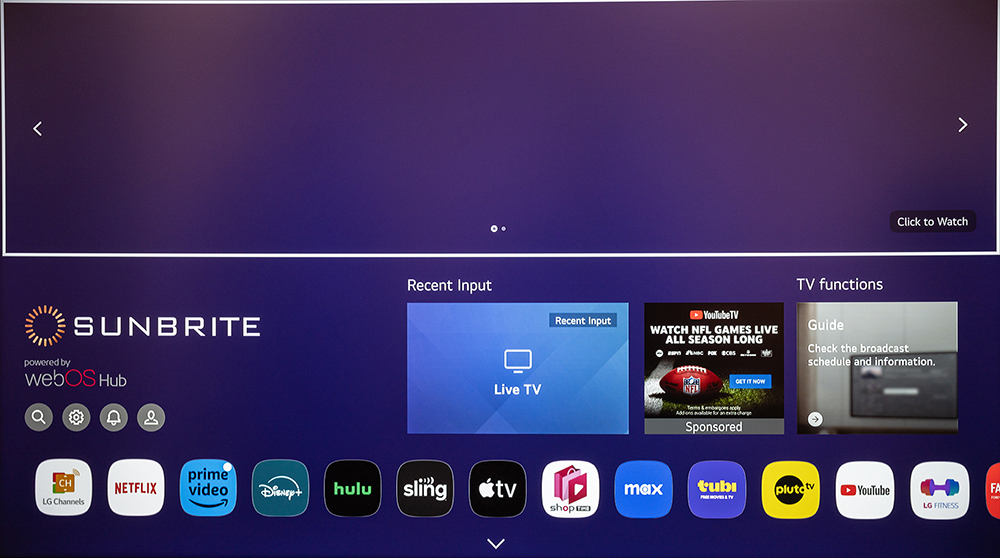
Home Screen
Managing Apps
Adding Apps
Find apps in the Featured List or search for them in the Search (magnifying glass icon).
Caution: Use discretion when downloading apps. Report suspicious or malicious apps using the link provided in the apps options vulnerability report link.
Edit App List
Select an app, then press and hold the OK button. This allows you to rearrange and delete installed applications.
Note: Certain built-in apps cannot be deleted.