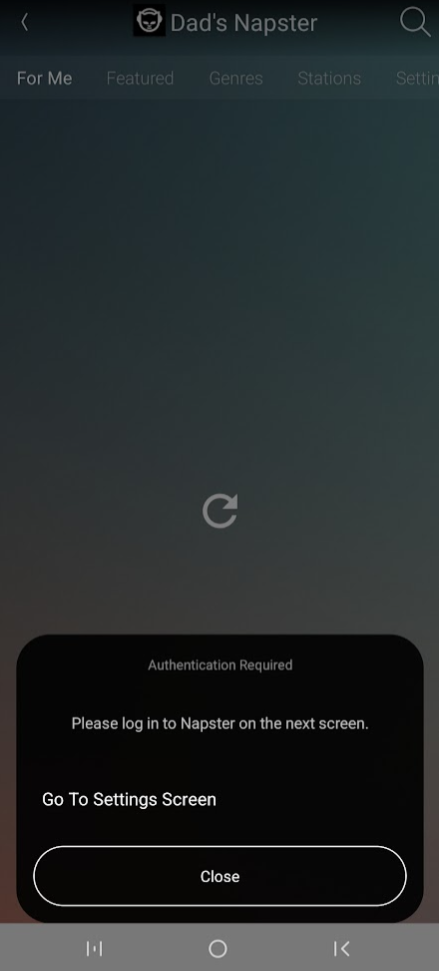
Ryff Manage Music
Manage Music allows you to add or remove music services for your Ryff system. Select Manage Music on the Home Screen to see the available music services:
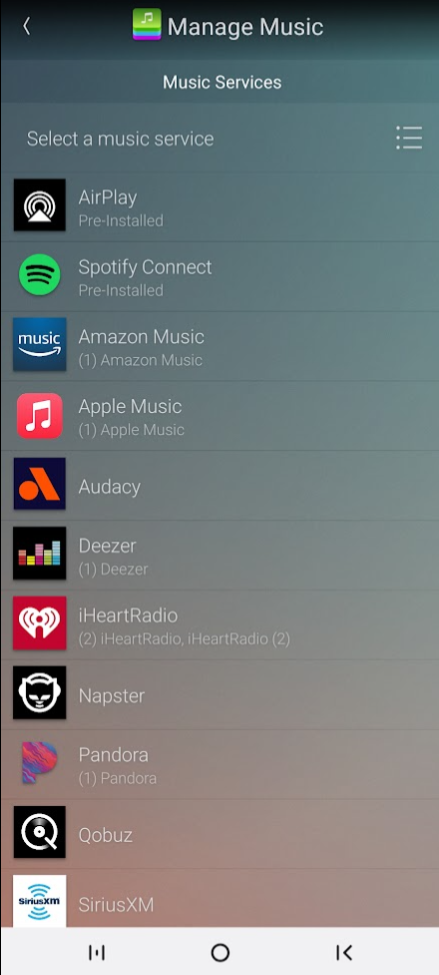
Select the music service and press on Add New to add it to your Ryff System.
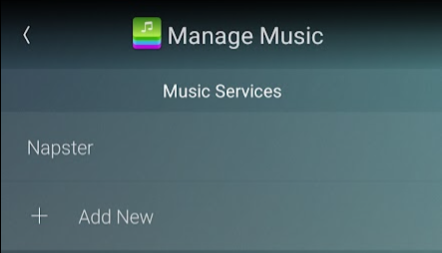
Name the music service if you want (example, "Dad's Napster") and press Done to add it.
Return to the home screen, select the music service you just added, and follow the instructions to log in (if required).