Navigating the interface
The top of the interface displays the OvrC Status and includes links to the What's New blog and Support. Click your user icon to change your password or log out of OvrC. Tap the user icon in the mobile app to see these links.
The OvrC interface divides information into Customers and Company information. These categories are divided further by menus and tabs.
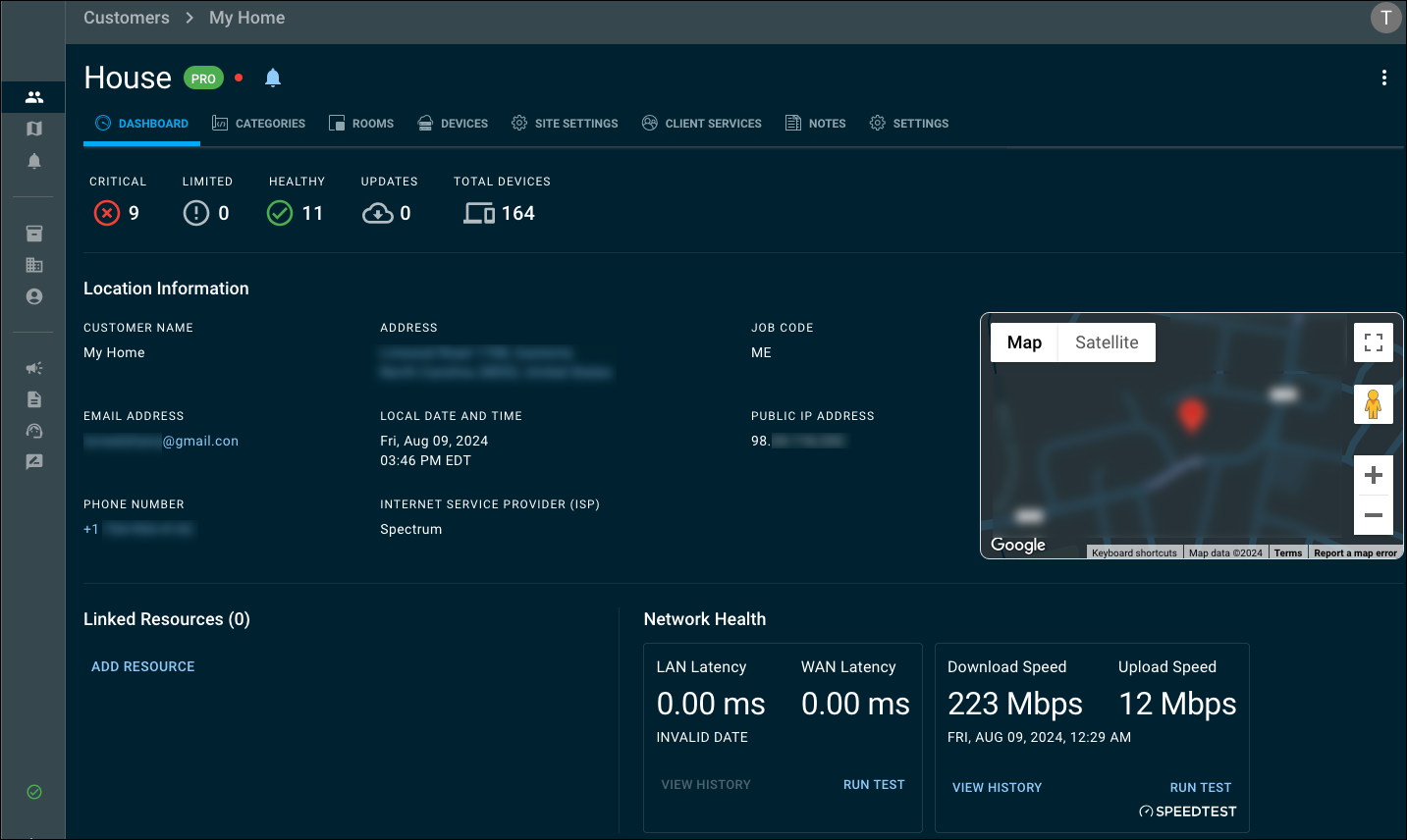
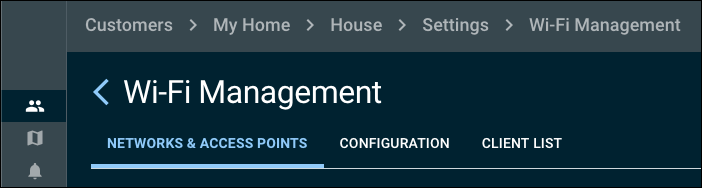
Breadcrumbs are displayed at the top of the page to remind you which Customer and Location you're configuring. You can click on a breadcrumb to navigate back to the previous page.
Organizing the interface
Most names can be edited by clicking the kebab icon to the right.

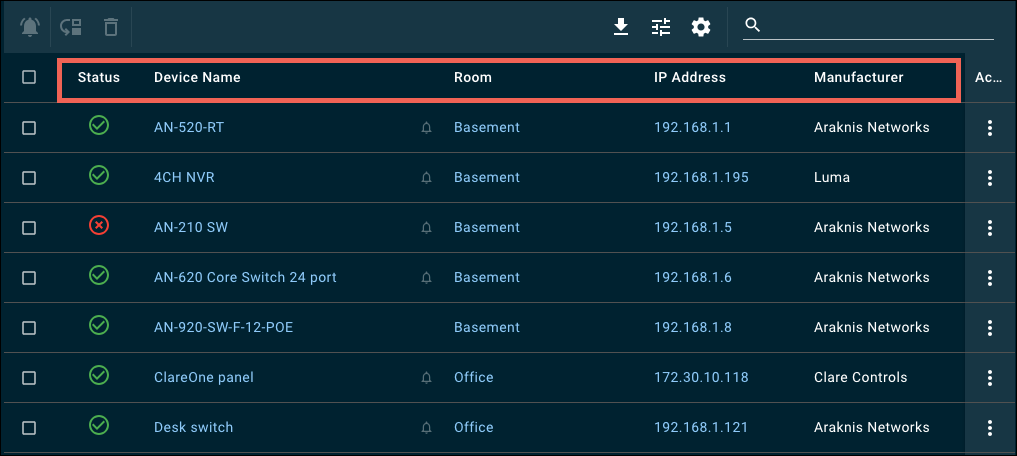
Most lists can be organized by clicking the headers at the top.
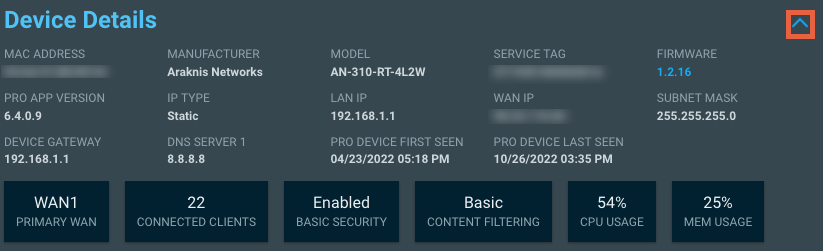
Windows and cards can be collapsed or extended with the accordion icon.