Add Company Contacts to OvrC Connect
When a customer needs to contact you, OvrC Connect helps them reach out to your company, with the information you provide under Account > Overview.
Note: Changes made on the Account > Overview page are automatically saved.
Add your contact information
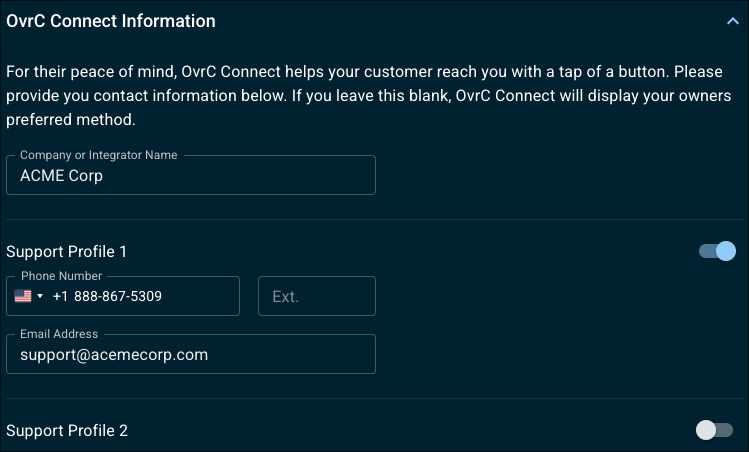
Scroll down to the OvrC Connect Information tile and add the information you want your customers to see.
You can add up to two support profiles that contain a contact number and email address. You can select which profile to use on a per-customer basis. Use the toggles to enable/disable them.
Add your company logo
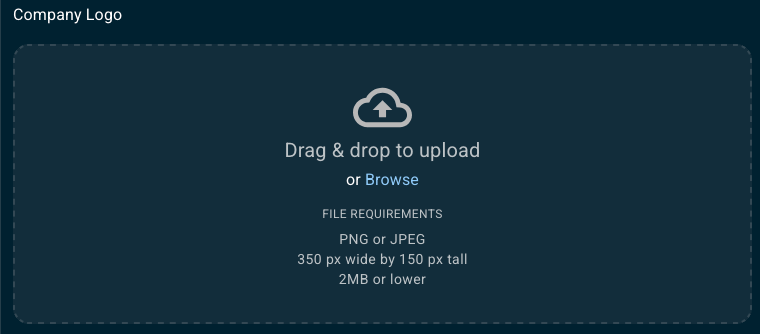
To add your company logo to the OvrC Connect app, drag & drop the file or click Browse to upload the image. The file must be 2MB or lower, a PNG or JPEG, and be 350 px wide by 150 px tall.