Best practices for setting an AP's power level
Create a starting point
Adjust the power levels on all APs to Low (13 dBm) on the 2.4 GHz radios, and Medium (18 dBm) on the 5 GHz radios.
Why wouldn’t I set the power to MAX on my AP’s radios? Doesn’t that give me more coverage and range?
Think about it this way. An AP has radios with adjustable power levels. A client device has radios with fixed power. At a lower AP radio power level, you can match the distance of the signal range between the AP and the client device. This means using more APs, closer together, with lower radio power.
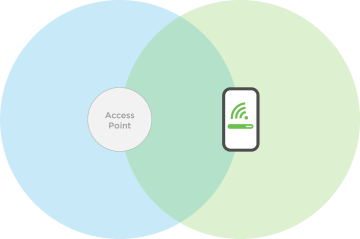
This allows you to maintain a consistent data transfer rate between an AP and client device.
If you increase the AP’s radio power, the AP could have a longer transmit range than the device.

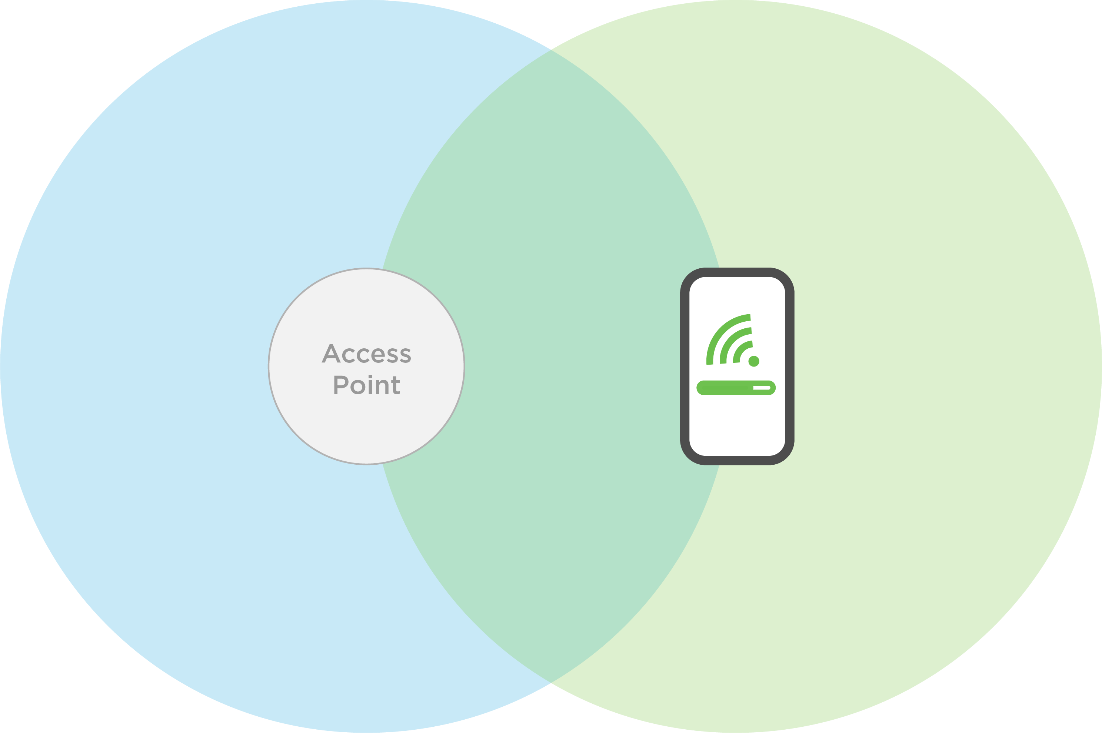
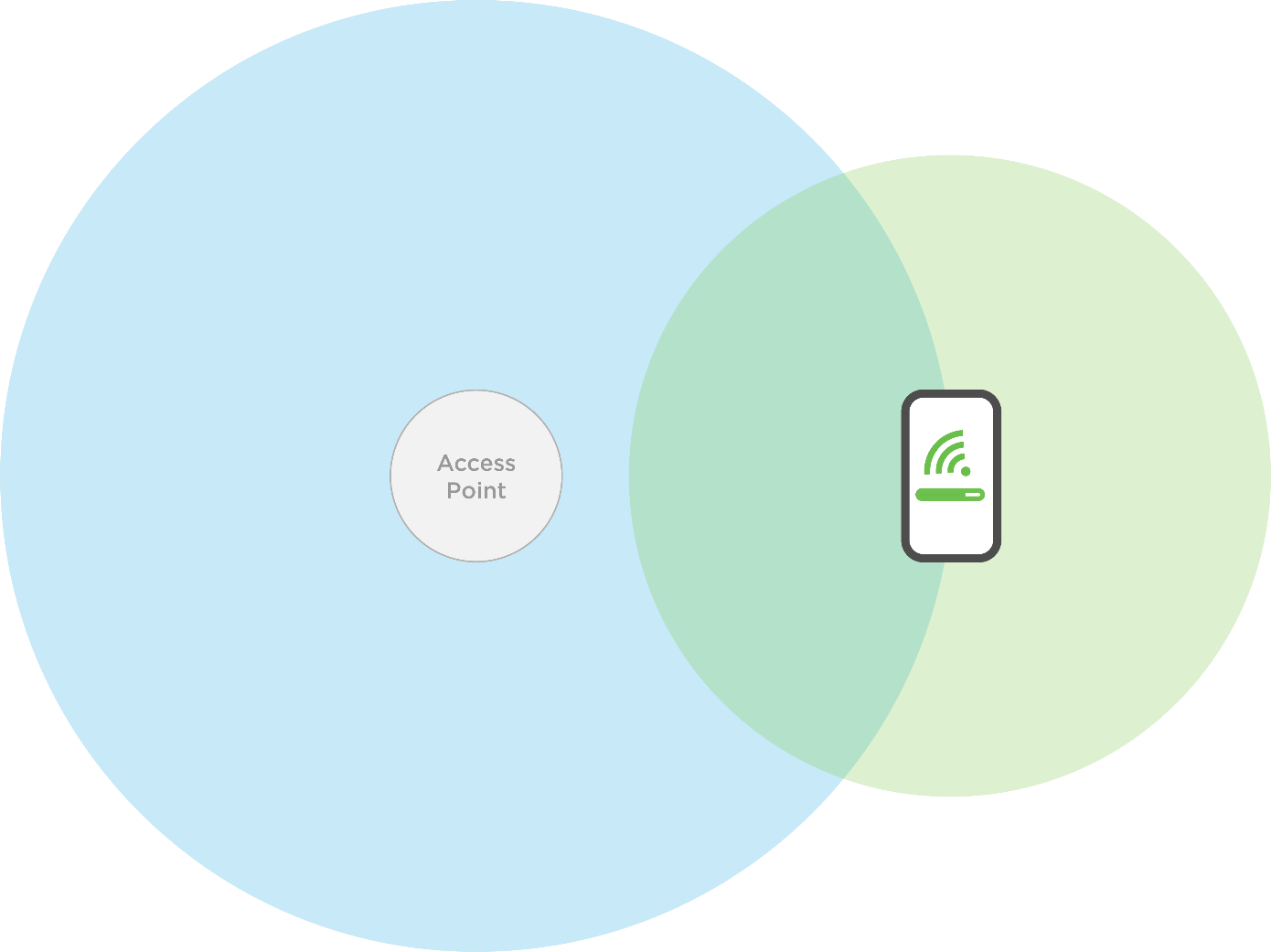
With this signal gap, the client device may not be able to connect to the AP. If you are able to maintain a signal, you have a decreased data transfer rate, allowing you to perform less-demanding tasks like email or web browsing. With more demanding tasks like Wi-Fi calling and video calls, you start to see issues like dropped calls or spotty connections.
Adjusting the Transmit Power
If possible, avoid any changes to the AP radio power levels described in the Creating a Starting Point.
Physically move the APs closer or further apart until the AP-to-device measurement meets the target values. If you must adjust the transmit power, do not increase or decrease more than 3 dBm from the starting point. Adjusting the power level more than 3 dBm runs the risk of the AP’s signal range being higher than the client device’s, or providing too weak a signal to provide useable data throughput.
The lower you set the AP’s power level, the less throughput you’re able to achieve at greater distances. It is not recommended to lower your power levels below 10dBm, which most manufacturers don’t allow, anyway. If you find you need to reduce radio power to 10 dBm (2.4 GHz) and 15 dBm (5 GHz) or lower, you either need to remove an AP or rethink AP placement.