Customers
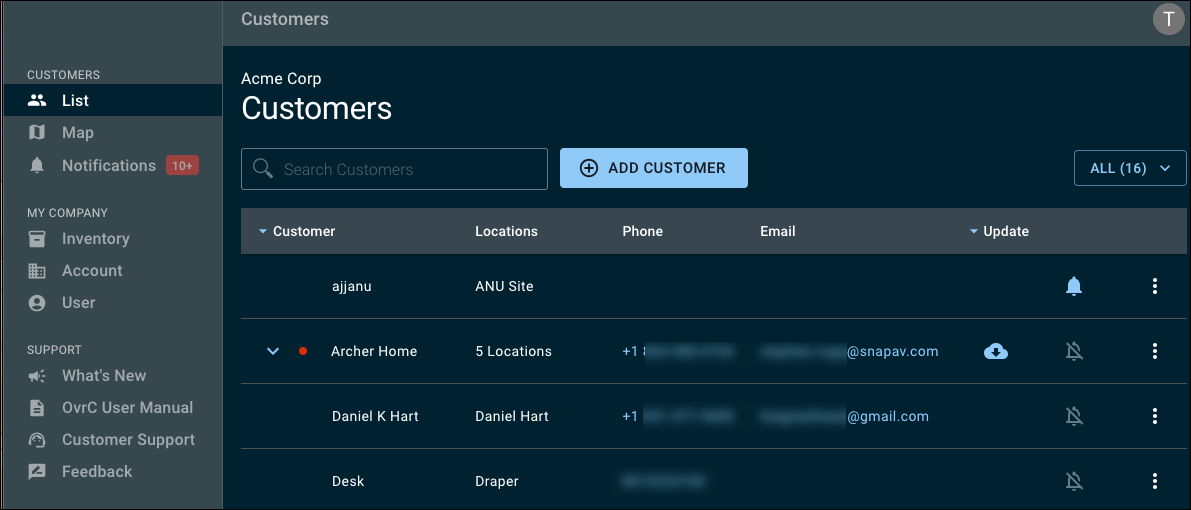
The customer List is the initial page after logging into OvrC. This displays a list of all the customers that have been added to the OvrC account or, depending on your user permissions, the customer's you have access to. Read Creating a Customer for more information on adding new customers to the OvrC account.
The list displays the number of locations each customer has, as well as the main contact's phone number, email, if any devices have a firmware update, and if notifications are turned on for that customer.
Click a customer's name to see the location's Dashboard, or the firmware update icon ( ) to jump directly to the device list.
Each customer can have multiple locations. Each location represents a separate project; examples include a guest house on the property, a retail space across town, or a beach house in a different city.
Adding locations
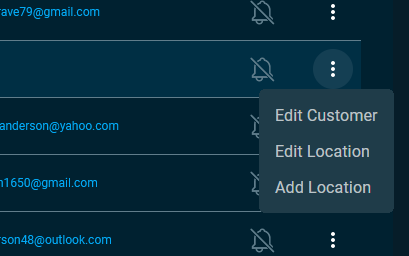
To add a new location, click List in the left-hand menu. Then click the overflow menu at the right of the customer's entry and select Add Location to generate a new project site for that customer with its own device list and settings.
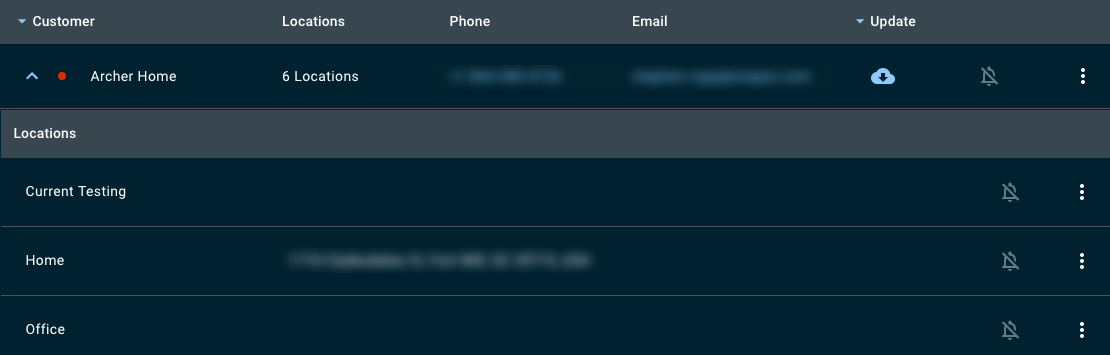
Click the expansion icon ( ) next to a customer with multiple locations to see a list of each location, its address, and whether or not notifications are enabled for each location.
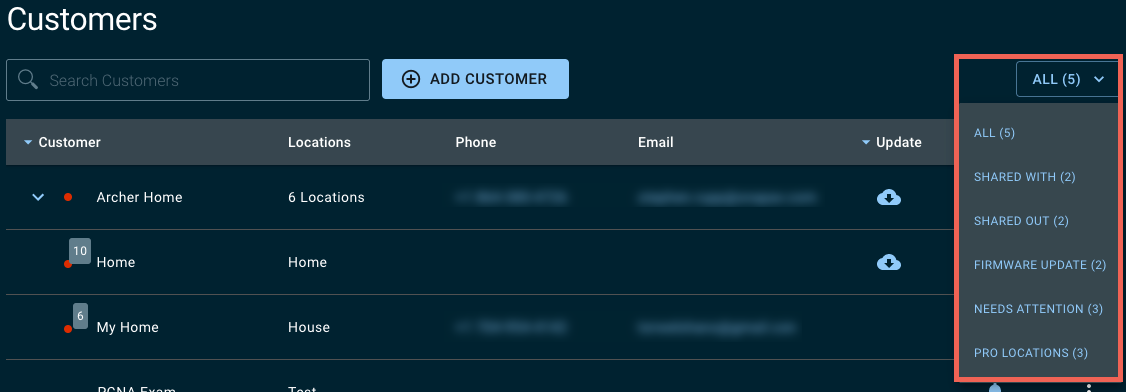
Filter the list by clicking the drop-down in the upper right corner.